> ## Documentation Index
> Fetch the complete documentation index at: https://dripart-chore-sync-comfy-api-v2-spec-0ee014e.mintlify.site/llms.txt
> Use this file to discover all available pages before exploring further.
# ComfyUI Flux.2 Dev 示例
> 本文将简要介绍 Flux.2 模型,并指导你在 ComfyUI 中使用 Flux.2 Dev 模型进行文生图。
## 关于 FLUX.2
[FLUX.2](https://bfl.ai/blog/flux-2) 是 [Black Forest Labs](https://blackforestlabs.ai/) 推出的下一代图像模型,可生成高达 4MP 的照片级真实输出,在光照、皮肤、织物和手部细节方面有显著提升。它支持可靠的多参考一致性(最多 10 张图像)、改进的编辑精度、更好的视觉理解能力以及专业级的文字渲染。
**主要特点:**
* **多参考一致性:** 在多个输出中可靠地保持身份、产品几何形状、纹理、材质、服装和构图意图
* **高分辨率照片级真实感:** 生成高达 4MP 的图像,具有真实世界的光照行为、空间推理和物理感知细节
* **专业级控制:** 精确的姿势控制、十六进制精确的品牌颜色、任意宽高比以及用于程序化工作流的结构化提示
* **可用的文字渲染:** 在 UI 界面、信息图表和多语言内容中生成清晰、易读的文字
**可用模型:**
* **FLUX.2 Dev:** 开源模型(本教程使用)
* **FLUX.2 Pro:** Black Forest Labs 的 API 版本
本工作流使用量化权重。原始 FLUX.2 仓库可在[此处](https://huggingface.co/black-forest-labs/FLUX.2-dev/)获取。
请确保你的 ComfyUI 已经更新。
* [ComfyUI 下载](https://www.comfy.org/download)
* [ComfyUI 更新教程](/zh/installation/update_comfyui)
本指南里的工作流可以在[工作流模板](/zh/interface/features/template)中找到。如果找不到,可能是 ComfyUI 没有更新。
如果加载工作流时有节点缺失,可能原因有:
1. 你用的不是最新版(每夜版)。
2. 启动时有些节点导入失败。
* [Cloud](https://cloud.comfy.org) 会在 ComfyUI 稳定版本发布后更新。
所以,如果你发现本文档中有任何核心节点缺失,可能是因为新核心节点尚未在最新稳定版中发布。请等待下一个稳定版发布。
Flux.2 开发专用
生成具有多参考一致性和专业文本渲染能力的逼真图像。
 直接在 Comfy Cloud 中打开此工作流
下载 JSON 工作流文件用于本地使用
**输入素材**
将此文件上传到 `LoadImage` 节点 **46**:
`LoadImage` 节点 46 · `image_flux2_input_image.png`
直接在 Comfy Cloud 中打开此工作流
下载 JSON 工作流文件用于本地使用
**输入素材**
将此文件上传到 `LoadImage` 节点 **46**:
`LoadImage` 节点 46 · `image_flux2_input_image.png`
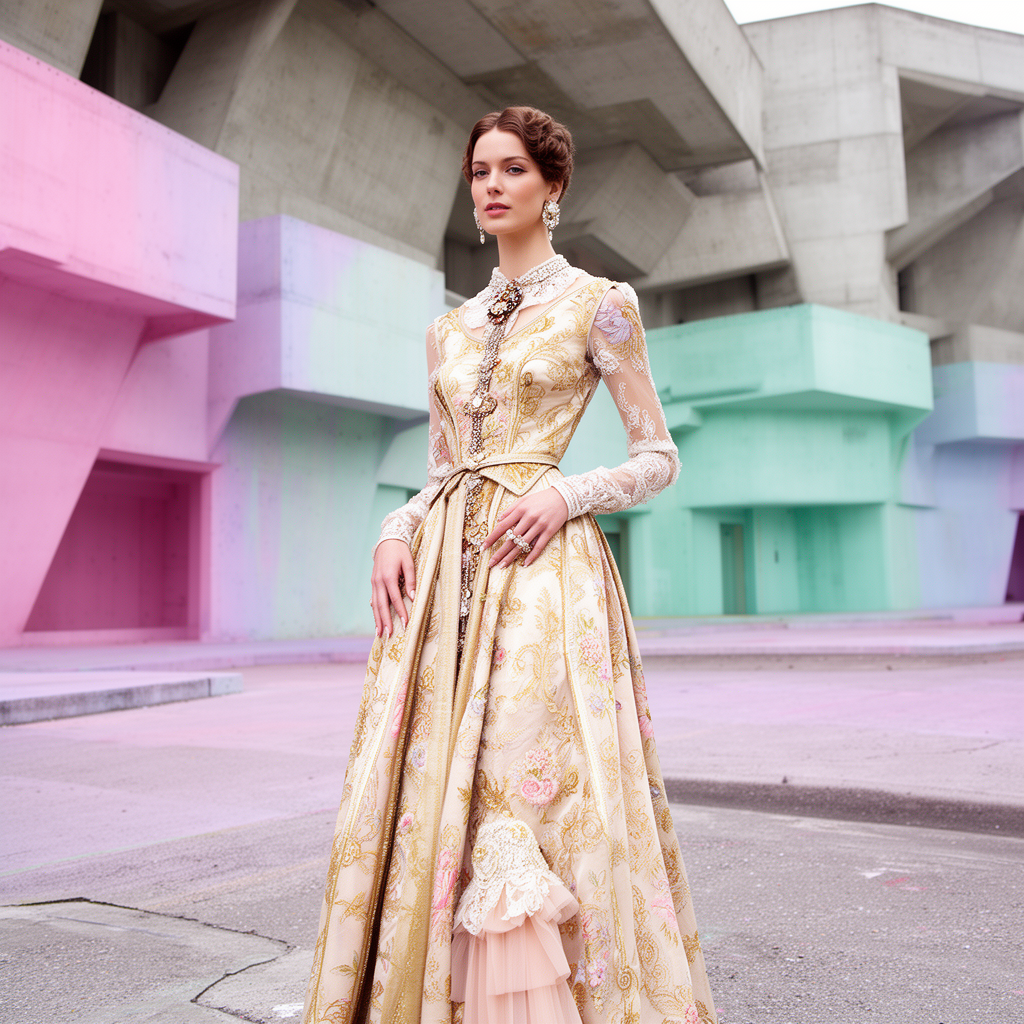
Flux.2 开发专用文生图
使用增强的光照、材质和逼真细节进行文生图。无需输入图像。
 直接在 Comfy Cloud 中打开此工作流
下载 JSON 工作流文件用于本地使用
**示例输出**
直接在 Comfy Cloud 中打开此工作流
下载 JSON 工作流文件用于本地使用
**示例输出**

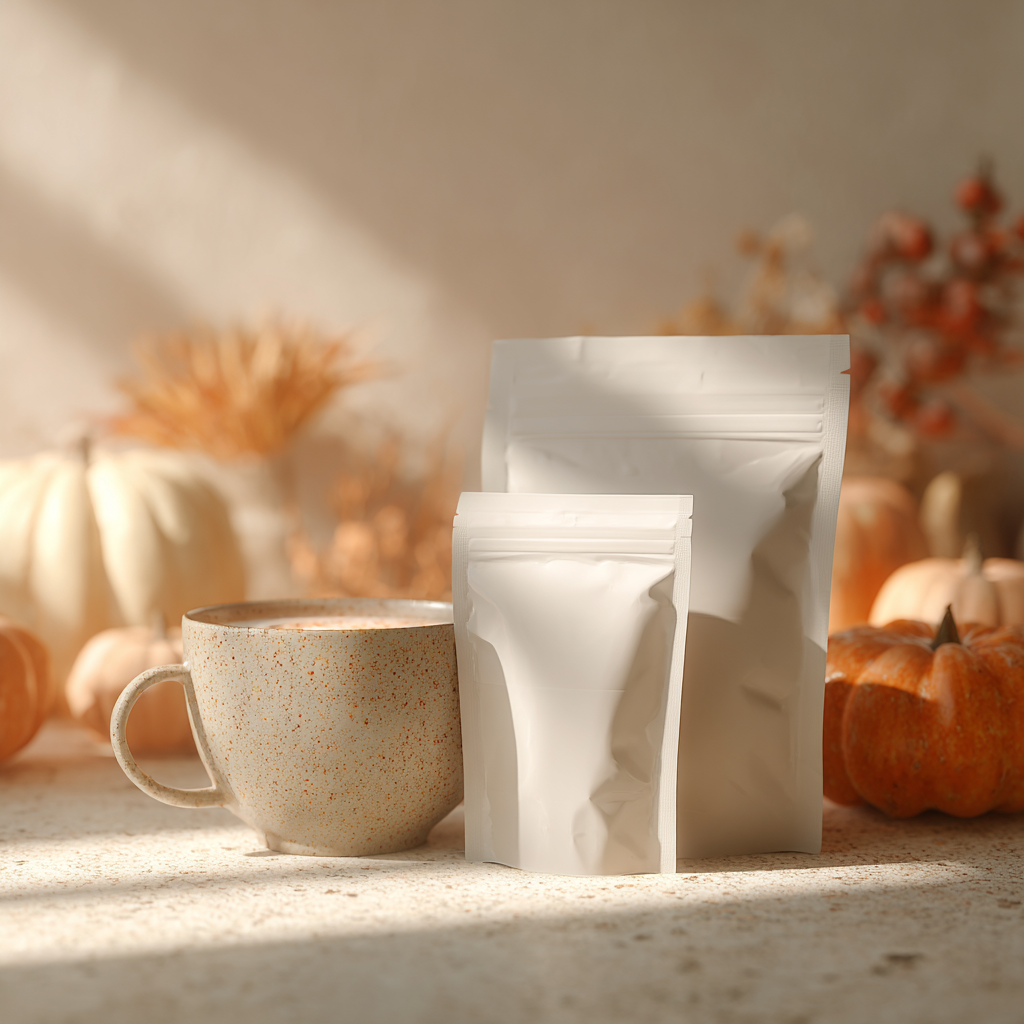
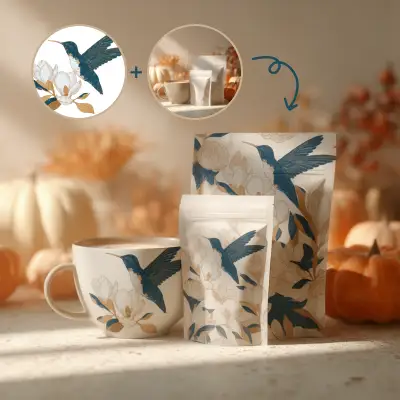
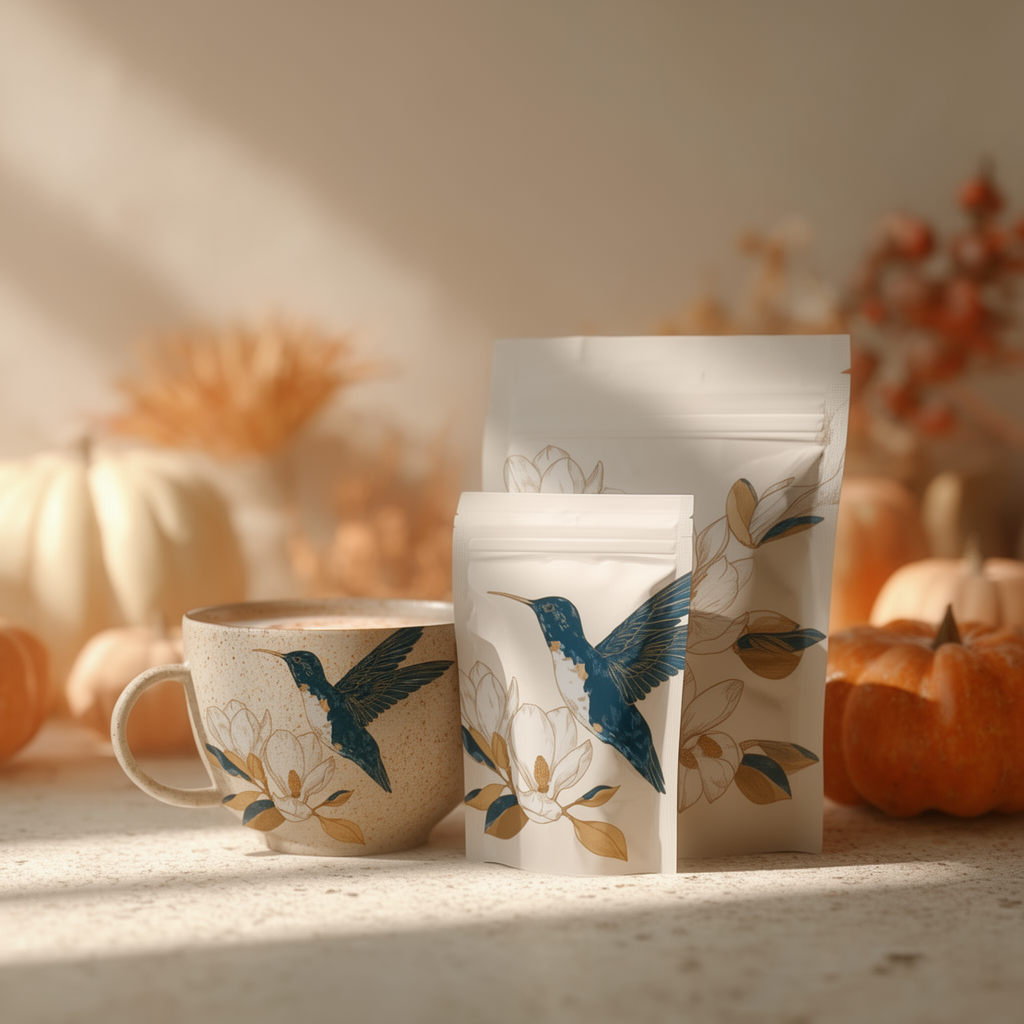
产品样机
使用多参考一致性,将设计图案应用到包装、马克杯及其他产品上,创建产品样机。
 直接在 Comfy Cloud 中打开此工作流
下载 JSON 工作流文件以供本地使用
**输入素材**
将以下文件上传到对应的 `LoadImage` 节点:
`LoadImage` 节点 42 · `image_flux2_input_ref_image.png`
`LoadImage` 节点 46 · `image_flux2_input_Illustration.png`
**示例输出**
## Model links
**text\_encoders**
* [mistral\_3\_small\_flux2\_bf16.safetensors](https://huggingface.co/Comfy-Org/flux2-dev/blob/main/split_files/text_encoders/mistral_3_small_flux2_bf16.safetensors)
**diffusion\_models**
* [flux2\_dev\_fp8mixed.safetensors](https://huggingface.co/Comfy-Org/flux2-dev/blob/main/split_files/diffusion_models/flux2_dev_fp8mixed.safetensors)
**vae**
* [flux2-vae.safetensors](https://huggingface.co/Comfy-Org/flux2-dev/blob/main/split_files/vae/flux2-vae.safetensors)
**Model Storage Location**
```
📂 ComfyUI/
├── 📂 models/
│ ├── 📂 text_encoders/
│ │ └── mistral_3_small_flux2_bf16.safetensors
│ ├── 📂 diffusion_models/
│ │ └── flux2_dev_fp8mixed.safetensors
│ └── 📂 vae/
│ └── flux2-vae.safetensors
```
直接在 Comfy Cloud 中打开此工作流
下载 JSON 工作流文件以供本地使用
**输入素材**
将以下文件上传到对应的 `LoadImage` 节点:
`LoadImage` 节点 42 · `image_flux2_input_ref_image.png`
`LoadImage` 节点 46 · `image_flux2_input_Illustration.png`
**示例输出**

## Model links
**text\_encoders**
* [mistral\_3\_small\_flux2\_bf16.safetensors](https://huggingface.co/Comfy-Org/flux2-dev/blob/main/split_files/text_encoders/mistral_3_small_flux2_bf16.safetensors)
**diffusion\_models**
* [flux2\_dev\_fp8mixed.safetensors](https://huggingface.co/Comfy-Org/flux2-dev/blob/main/split_files/diffusion_models/flux2_dev_fp8mixed.safetensors)
**vae**
* [flux2-vae.safetensors](https://huggingface.co/Comfy-Org/flux2-dev/blob/main/split_files/vae/flux2-vae.safetensors)
**Model Storage Location**
```
📂 ComfyUI/
├── 📂 models/
│ ├── 📂 text_encoders/
│ │ └── mistral_3_small_flux2_bf16.safetensors
│ ├── 📂 diffusion_models/
│ │ └── flux2_dev_fp8mixed.safetensors
│ └── 📂 vae/
│ └── flux2-vae.safetensors
```